.png?w=2172&h=724)

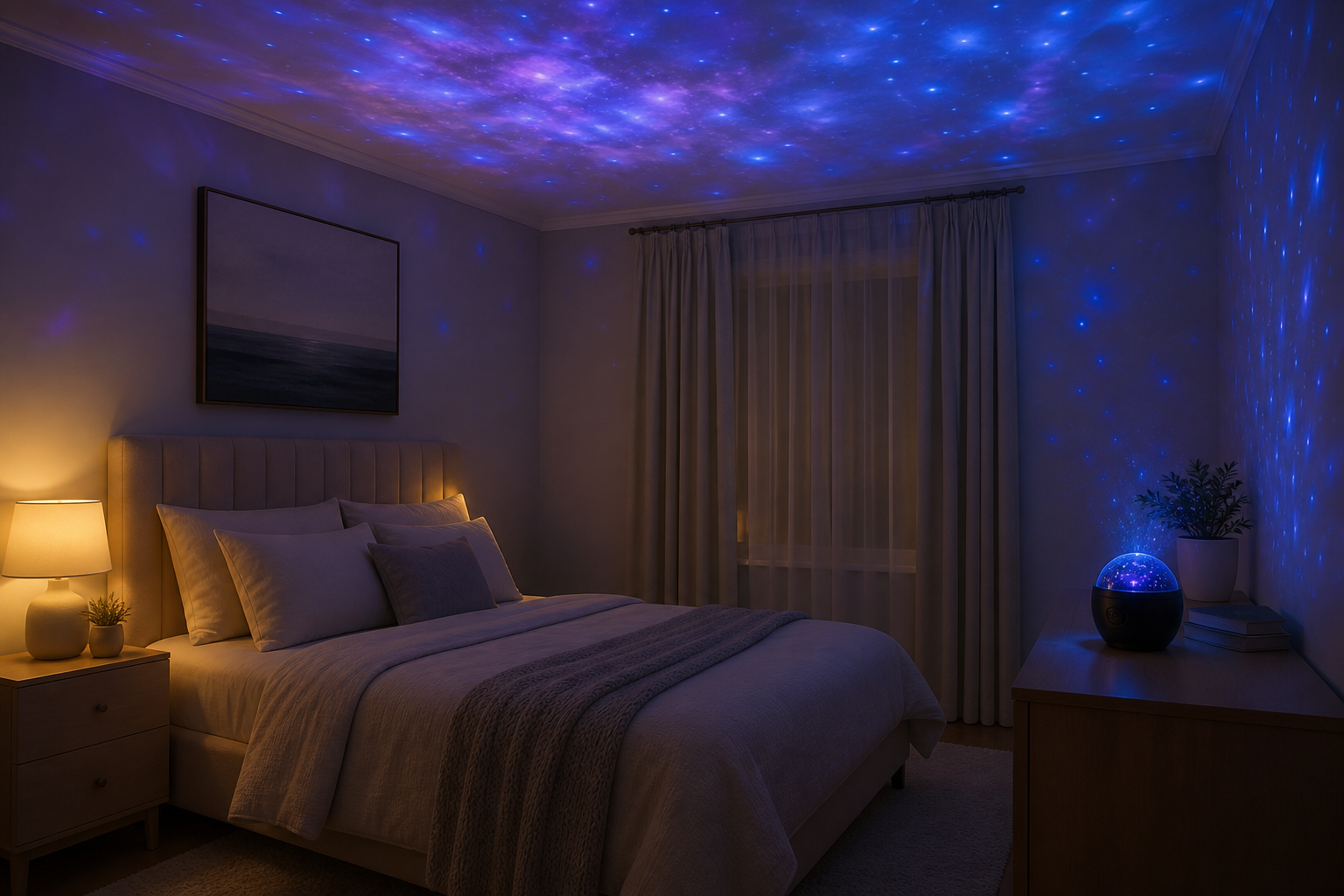
Quick answer: Use a galaxy projector as optional bedroom decoration, not as a proven sleep aid. Check the exact device instructions, place it securely with its beam away from eyes, and switch it off when you are ready to sleep. A timer does not establish that the device is suitable for babies or unsupervised children.
The Astronaut Galaxy Night Projector is decorative lighting with adjustable effects. Here is how to separate the room-setup choices from claims about sleep or child safety.
Setting it up in a bedroom
Place the projector on a nightstand, shelf, or desk with a clear line to the ceiling or the wall you want to fill. The astronaut’s magnetic head rotates freely, so you can aim the projection exactly where you want without moving the whole lamp. Angle it toward the ceiling for an overhead sky, or at a wall as a feature. A darker room makes the stars and nebula clouds look their most vivid.
Decoration before bed is not the same as sleep support
There is no product-specific sleep evidence provided here. NHLBI's healthy-sleep guidance recommends a quiet, cool, dark bedroom, with a dim night light if needed. A moving projection is an optional visual effect, not a treatment for sleep problems.
- Use it while you are awake. If you enjoy the effect, choose a comfortable brightness and stop using it if it feels distracting.
- Turn it off for sleep. You do not need to wait for a preset timer to finish. Choose darkness when you are ready to sleep.
- Test the timer separately. The listing describes 45- and 90-minute settings. Confirm the controls and shutoff on your unit before relying on them; these intervals are not a sleep recommendation.
Check the device before using it around children
Do not assume that an astronaut-shaped projector is a toy or a nursery night light. Read the age guidance, light-source label and supplied instructions. If it uses a laser, follow the laser warnings; FDA guidance advises against directing laser beams toward eyes or reflective surfaces.
- Keep the projector, detachable parts and power lead out of reach, away from a cot or bed where they could be pulled down.
- Place it on a stable surface and aim only as the device instructions permit. Avoid a beam path at seated or standing eye level.
- If you cannot identify the model, age guidance or safety instructions, do not choose it for a baby or young child's room until those are confirmed.
- If someone has a known light-triggered condition, do not assume a slower or steady mode makes the device suitable. Seek individual clinical advice before use.
Beyond sleep: other ways to use it
- Gaming & streaming backdrop — turn up the color and motion for an immersive setup.
- Movie nights — a soft nebula glow in the living room sets the scene.
- Relaxation or focus corners — slow star mode for calm reading, meditation, or downtime.
- Decor — the poseable astronaut looks good on a shelf even when it’s switched off.
| For sleep | Switch off when ready to sleep; decorative use is optional |
|---|---|
| Timer | Auto shut-off after 45 or 90 minutes |
| Aiming | Magnetic rotating head — ceiling or wall |
| Controls | Remote: color, brightness, pattern, speed |
| Kids’ rooms | Verify age guidance and safety instructions; keep out of reach |
Frequently asked questions
Is a galaxy projector good for sleep?
It can be an enjoyable decoration, but this guide provides no evidence that this product improves sleep. A quiet, cool, dark bedroom is the better-supported starting point. Switch the projector off when you are ready to sleep.
Are star projectors safe for babies and kids?
There is no blanket answer. Check the exact device label, instructions and age guidance, including any laser warnings. Do not treat the timer or decorative shape as evidence of suitability for babies, and keep the device and cord out of reach.
Does it turn off on its own?
Yes. A built-in timer shuts the projector off automatically after 45 or 90 minutes, according to the listing. Check the supplied instructions and test your unit before relying on this feature.
Where should I place it in the room?
On a nightstand, shelf, or desk with a clear view of the ceiling or a wall. The magnetic head rotates so you can aim the stars and nebula exactly where you want. A darker room makes the projection look most vivid.
Can I change the color and brightness?
Yes. The included remote adjusts color, brightness, projection pattern, and motion speed from across the room, so you can go from a calm warm glow to a bright, colorful scene.
More lighting & decor guides
- Astronaut galaxy projector — what it does & is it worth it
- RGB LED strip lights — choosing & installing
- Shop night lights & projectors
General guidance only, not medical advice. Prices and specifications are current as of publication and may change.